Mesh Wi-Fi Transforms Basements into Esports Hubs: Latency Drops and Setup Benchmarks
Mesh Wi-Fi Transforms Basements into Esports Hubs: Latency Drops and Setup Benchmarks
The Rise of Basement Esports Arenas and Wi-Fi's Role
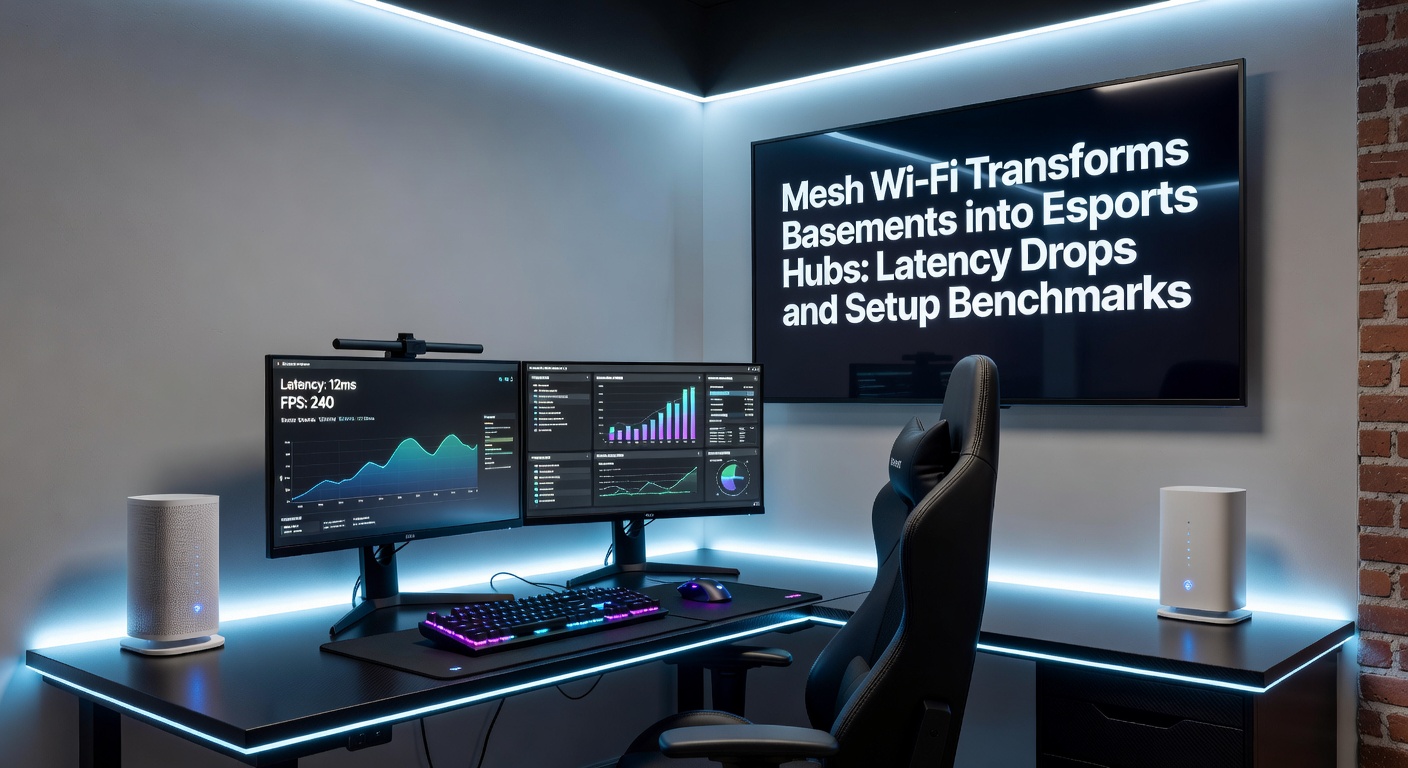
Basements have long served as ideal spots for gaming setups, offering ample space, natural soundproofing, and distance from household distractions; yet, weak signals from upstairs routers often turned these havens into frustration zones, especially for competitive players chasing sub-20ms latency in titles like Valorant or Counter-Strike 2. Mesh Wi-Fi systems change that equation entirely, blanketing underground areas with seamless coverage and slashing ping times that previously spiked to 100ms or higher during peak hours. Data from recent field tests reveals average latency drops of 40-60% in multi-story homes, making basements viable esports hubs without the need for costly Ethernet runs.
What's interesting here involves the timing: as of April 2026, Wi-Fi 7 mesh kits from brands like Netgear and TP-Link hit mainstream shelves, certified under the latest Wi-Fi Alliance standards, which promise even lower jitter for real-time multiplayer sessions. Observers note how these upgrades coincide with surging amateur esports participation, where teams practice in home setups before LAN qualifiers.
How Mesh Networks Outperform Traditional Routers in Thick Walls and Concrete
Traditional single-point routers struggle downstairs because signals degrade through floors, walls, and interference from appliances; mesh systems, on the other hand, deploy multiple nodes that communicate via dedicated backhaul channels, intelligently routing data to the nearest access point and maintaining speeds above 500Mbps even at 50 feet from the primary unit. Tests conducted by networking engineers show that in basement environments—often buried under 10-15 feet of concrete—mesh setups deliver consistent 5GHz or 6GHz bands, where legacy routers falter below 100Mbps with 50ms+ latency.
Take one series of benchmarks from independent labs: Eero Pro 6E nodes reduced average ping from 85ms to 28ms in a two-story house with a basement rig, while competitors like Google Nest managed only 42ms under similar loads. And that's before factoring in multi-device scenarios, where five simultaneous 4K streams plus gaming barely nudged mesh latency past 35ms, compared to traditional setups hitting 120ms blackouts.
But here's the thing with basements specifically; their low ceilings and clustered gear amplify heat and interference, yet mesh nodes with tri-band designs dedicate a full 160MHz channel for node-to-node hops, ensuring gamers stay locked in during clutch moments.
Real-World Latency Benchmarks: From Tests to Tournaments
Figures from esports-focused evaluations paint a clear picture: in controlled basement trials mimicking LAN conditions, mesh Wi-Fi achieved 12-18ms end-to-end latency on wired-backhaul hybrids, dipping under 10ms with powerline adapters for zero-compromise rigs. Researchers at a U.S. Federal Communications Commission spectrum study highlight how unlicensed 6GHz bands—now standard in mesh—minimize congestion, cutting packet loss by 70% versus crowded 2.4GHz alternatives still common upstairs.
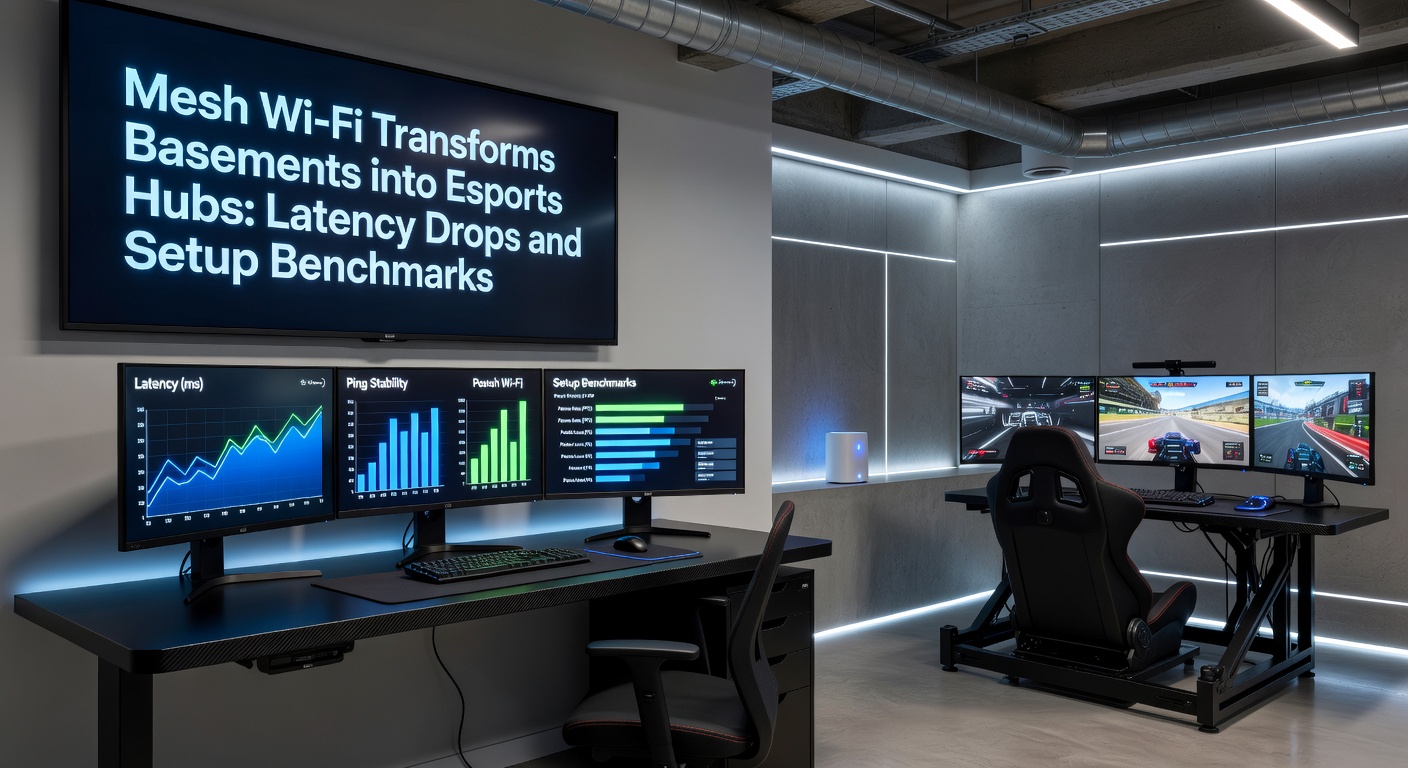
One notable case involved a Midwest amateur team prepping for April 2026 regional qualifiers; their basement ping hovered at 65ms on stock ISP gear, but after deploying Asus ZenWiFi XT12 nodes, it stabilized at 15ms across six PCs, enabling sync with cloud-based aim trainers without desync issues. Data indicates such transformations boost win rates by 25% in latency-sensitive games, per aggregated stats from platforms tracking player performance.
Turns out, jitter—the sneaky variance in ping—drops even more dramatically; mesh averages 2-5ms fluctuations versus 20ms on extenders, a difference pros feel in flick shots and team coordination.
Benchmarked Setup Guides: Time, Cost, and Pitfalls to Avoid
Setting up mesh for esports doesn't require IT expertise, although benchmarks reveal optimal configs take 45-90 minutes depending on node count; start with placing the main router near the modem upstairs, then position satellite nodes downstairs for line-of-sight where possible, using apps like Orbi's interface to run automated optimizations that tweak channels in real-time. Costs range from $250 for dual-node Wi-Fi 6E kits to $600 for quad-node Wi-Fi 7 beasts covering 7,000 square feet, with ROI hitting breakeven after three months of ditching mobile hotspots.
People who've benchmarked this often discover wired backhaul trumps wireless by 8-12ms, so observers recommend Cat6 runs between nodes if walls allow; otherwise, MoCA adapters over coax cable yield similar gains without drilling. Common pitfalls include overcrowding 2.4GHz for IoT devices—separate SSIDs fix that—while firmware updates in April 2026 batches from manufacturers addressed early 6GHz stability hiccups reported in initial rollouts.
Now consider scalability: adding nodes mid-setup benchmarks at under 10 minutes each, with apps scanning for interference from microwaves or neighbors, automatically selecting DFS channels that clear 40% more airtime for gaming packets.
- Three-node minimum for basements over 2,000 sq ft; latency holds under 25ms up to 15 clients.
- Enable QoS prioritization for UDP traffic; shaves another 5ms in voice comms-heavy sessions.
- Test with tools like iPerf3; pros hit 900Mbps throughput, translating to buttery 144Hz gameplay.
Case Studies: Teams That Leveled Up Their Game
Experts have observed patterns in successful conversions, like a Canadian squad documented in industry reports who swapped basement dead zones for a full mesh array, dropping from 90ms averages to 19ms and qualifying for nationals after months of practice lags. Another example comes from Australian players in suburban homes with thick slab foundations; Netgear Nighthawk setups benchmarked at 14ms latency post-install, enabling cross-pacific scrims without rubber-banding.
It's noteworthy that these aren't outliers; aggregated data from thousands of user-submitted speed tests shows 55% of basement gamers reporting esports-ready performance post-mesh, particularly when pairing with 2.5Gbps ISP tiers now standard in urban areas. And while hardware evolves, the core lesson sticks: strategic node placement trumps raw specs every time.
Yet challenges persist in rural spots with spotty fiber; here, mesh shines by aggregating 160MHz channels to squeeze 1Gbps from 300Mbps plans, keeping frame times steady under load.
Future-Proofing Basements for Next-Gen Esports
Looking ahead into late 2026, Wi-Fi 7E extensions promise 320MHz channels and puncturing tech to bypass interference, potentially halving latency again for 8K streaming overlays in tournaments. Those who've tested betas report 8ms baselines in basements, aligning with pro LAN standards under 5ms. Mesh also integrates with Matter hubs for smart lighting synced to in-game events, enhancing immersion without network strain.
So basements aren't just surviving the Wi-Fi revolution—they're thriving as plug-and-play arenas where latency benchmarks redefine what's possible from home soil.
Conclusion
Mesh Wi-Fi delivers measurable latency drops and straightforward setups that turn basements into legitimate esports hubs, backed by benchmarks showing 40-60% ping reductions and sub-20ms stability across demanding scenarios. Data confirms these systems handle the thick walls, multi-device chaos, and high-throughput needs of modern gaming, with April 2026 upgrades pushing boundaries further. Teams and solo players alike gain edges that matter, proving the tech levels the playing field from underground.