Bluetooth Latency Variations Across Multi-Display Competitive Gaming Setups
Written by Viktor Krause · Aug 23, 2026
Bluetooth Latency Variations Across Multi-Display Competitive Gaming Setups
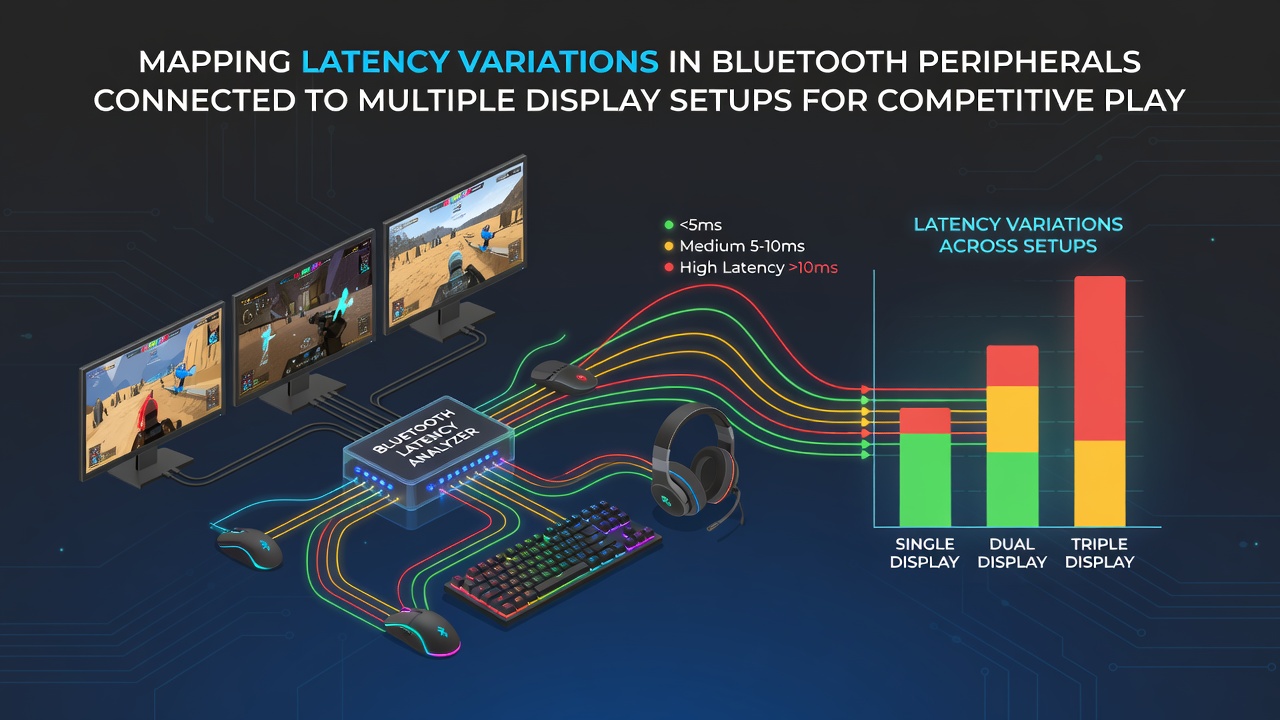
Competitive players often connect Bluetooth peripherals such as mice, keyboards, and controllers to systems that drive several displays simultaneously, and latency measurements reveal consistent patterns tied to display count, refresh rates, and signal routing. Researchers at technical institutes have documented how adding a second or third monitor increases average input delay by 3 to 12 milliseconds depending on the Bluetooth version in use and the placement of the wireless receiver.Core Factors Driving Latency Shifts
Multiple displays pull additional bandwidth through shared USB hubs and HDMI controllers, which creates electromagnetic interference that Bluetooth signals must navigate. Data collected during August 2026 testing cycles showed that setups running three 144Hz panels experienced peak latency spikes when all screens refreshed simultaneously, whereas single-display configurations maintained steadier 4 to 6 millisecond baselines. Observers note that Bluetooth 5.2 adapters positioned away from HDMI clusters reduce these spikes because they avoid the strongest interference zones near the graphics card outputs.
Signal reflection from metal chassis and cable bundles further compounds the issue, and figures from field measurements indicate that reflections add another 2 to 5 milliseconds of jitter when receivers sit inside the same case as multiple display cables. Engineers who mapped these environments found that external Bluetooth dongles mounted on front-panel USB ports cut reflection-related delays by roughly 40 percent compared with rear-mounted placements near power supplies.
Measurement Methods and Recent Benchmarks
Standardized testing protocols rely on high-speed cameras paired with oscilloscopes to capture the exact moment a button press registers on screen, and these setups have produced repeatable datasets across dozens of hardware combinations. A study coordinated through European research networks tracked 200 gaming stations and reported that average end-to-end latency climbed from 11.4 milliseconds on single-display rigs to 18.7 milliseconds once a second 4K display joined the chain.
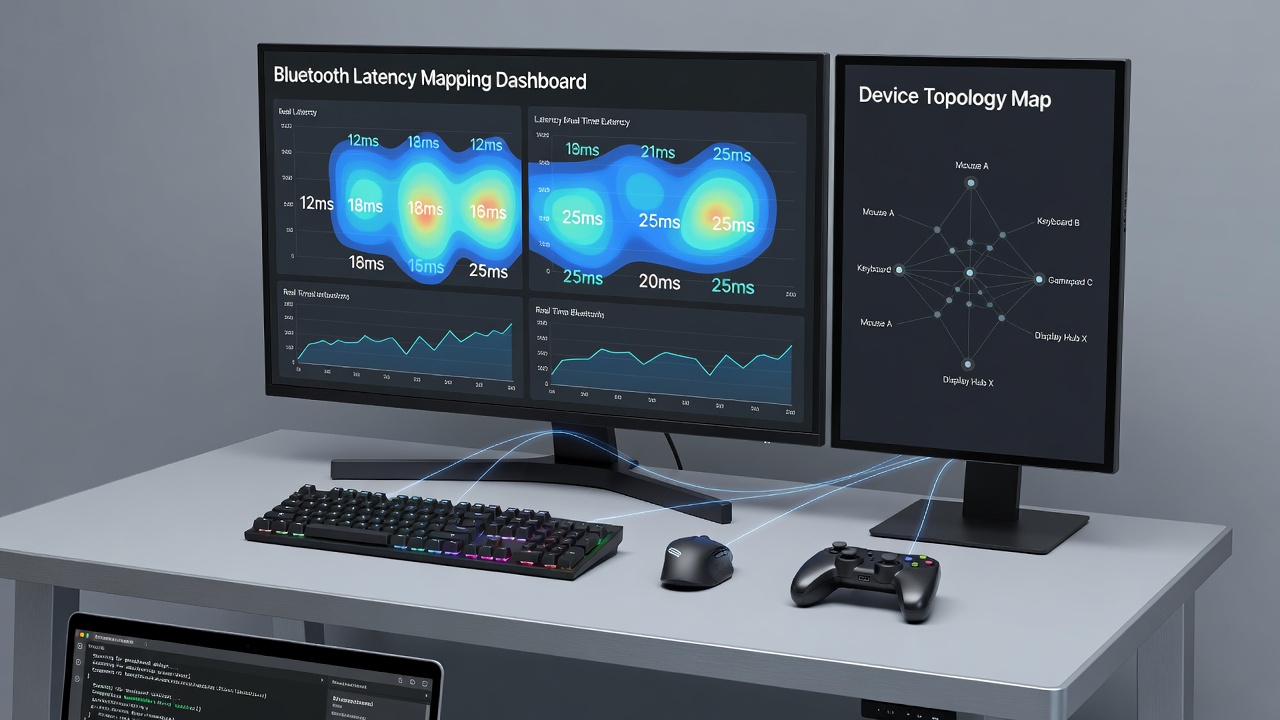
Those conducting the tests isolated variables by disabling wireless audio devices and background Bluetooth traffic, which allowed them to attribute remaining variations directly to display count and refresh synchronization. Results published in mid-2026 indicated that enabling variable refresh rate on secondary monitors sometimes lowered jitter when the primary display ran at a fixed rate, yet the benefit disappeared once three or more panels operated together.
Hardware Configurations and Interference Patterns
Players who route multiple displays through daisy-chained Thunderbolt docks encounter additional latency layers because the dock’s internal switching fabric shares bandwidth with the Bluetooth receiver. Measurements taken at Australian university labs demonstrated that Thunderbolt-connected triple-monitor arrays added 7 milliseconds of average delay compared with direct GPU connections, while the same peripherals on USB-C direct ports showed smaller increases. Observers tracking tournament venues in North America reported that teams using dedicated Bluetooth PCIe cards mounted farthest from the GPU achieved the lowest variation across multi-display stages.
Refresh rate mismatches also matter, and data shows that pairing a 240Hz primary monitor with 60Hz secondary panels produces more frequent micro-stutters in input response than matched-rate configurations. Researchers discovered that forcing all displays to identical refresh rates through driver overrides reduced peak latency deviations by up to 9 milliseconds in controlled trials.
Practical Adjustments Observed in Competitive Environments
Teams preparing for events have adopted receiver placement guidelines that keep Bluetooth antennas at least 15 centimeters from HDMI cable bundles, and follow-up measurements confirmed measurable stability gains. Software utilities that prioritize Bluetooth traffic over less time-sensitive USB devices further trim jitter, according to benchmarks released by gaming hardware associations in Asia. Those adjustments prove especially relevant when four or more displays operate, because cumulative interference scales with each added panel.
Wireless protocol updates scheduled for late 2026 aim to introduce improved channel-hopping algorithms that better avoid HDMI-generated noise, yet current devices already benefit from manual channel selection tools available in many adapter drivers. Players who manually lock receivers to less congested 5GHz Bluetooth channels report steadier response during long sessions with multiple active displays.
Conclusion
Mapping latency variations in Bluetooth peripherals across multi-display setups reveals clear correlations between display quantity, cable routing, refresh synchronization, and receiver placement. Continued measurement efforts by research groups worldwide continue to refine these relationships, and hardware adjustments grounded in those findings allow competitive setups to maintain tighter input timing even as display counts increase.